
 Cool Blew, Inc.
Your home, at a glance.
Cool Blew 360 is Cool Blew, Inc.’s app for the homeowners it looks after. Every system in your house and what it is covered by, the work that has been done, the invoices and documents that came with it, plus one tap to book the crew that already knows your address.
- Plumbing
- Heating
- A/C
- Solar
- Electrical
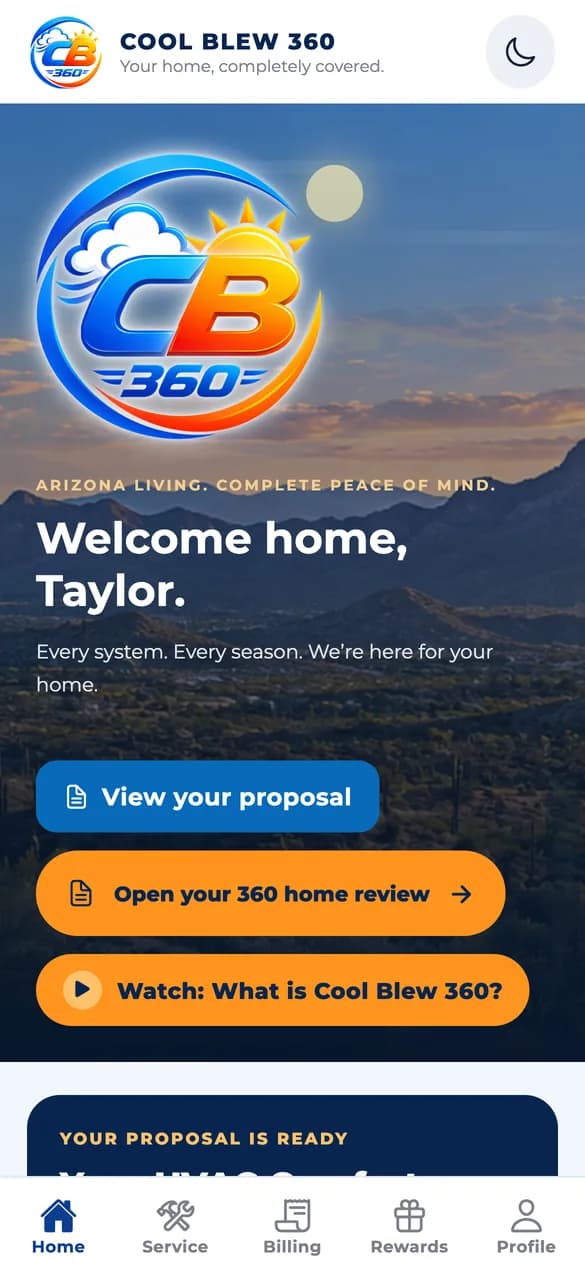
Captured from a demonstration account. The homeowner, the address, the equipment and the amounts are all synthetic.
Why homeowners use it
Three things it is for
All your homes, at a glance
Every property, its equipment, and its history in one calm place.
Book your neighborhood crew in taps
We auto-route your request to the crew that services your area.
Warranties and equipment, always on file
Your systems are looked after by professionals, with the details kept current.
What is inside
Five tabs, and that is the whole app
No feed and no notifications to manage. It opens on your home, and there is very little to set: light or dark from the header, whether the guided tour opens by itself, and an optional sign-in password in Profile.
Home
Every property you own, its systems, and what needs attention, with your membership and quick actions on top.
Service
Book a repair or a quote against the right home, then pick your arrival window from the calendar for the crew that covers your area and say what is going on. After-hours windows are opened separately, and when one carries an emergency trip fee the app shows the amount and you accept it before the booking can be confirmed. No payment is taken in the app.
Billing
Invoices, estimate requests, proposals and documents to sign, plus physical service memberships. The app is free; service payments use hosted checkout.
Rewards
Your referral link, who you have invited, what you have earned, and when it was paid out.
Profile
Your details and an optional profile photo, your membership, how to reach your team, your texts and emails with the office, a guided tour of the app, your password if you want one, signing out everywhere, and account deletion.
A look inside
What it looks like on your phone
Four of the screens you will actually use. Captured from a demonstration account. The homeowner, the address, the equipment and the amounts are all synthetic.
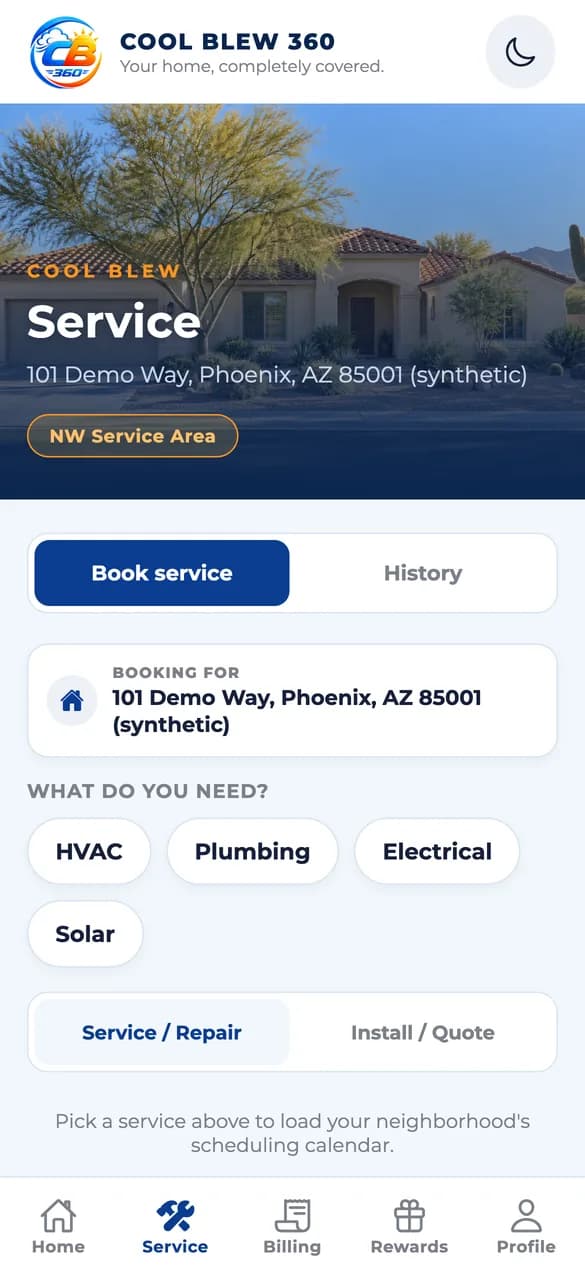
Book against the right home
Pick the trade and the app loads the scheduling calendar for that address.
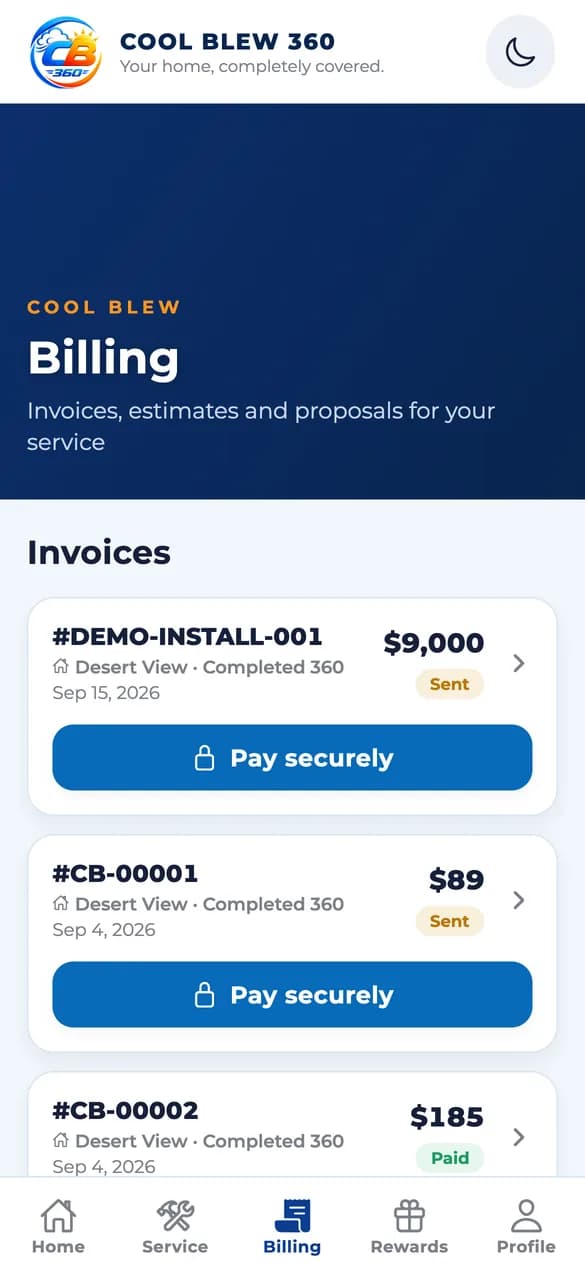
Invoices and what they were for
Each invoice carries the home it belongs to, its status, and a way to pay it.
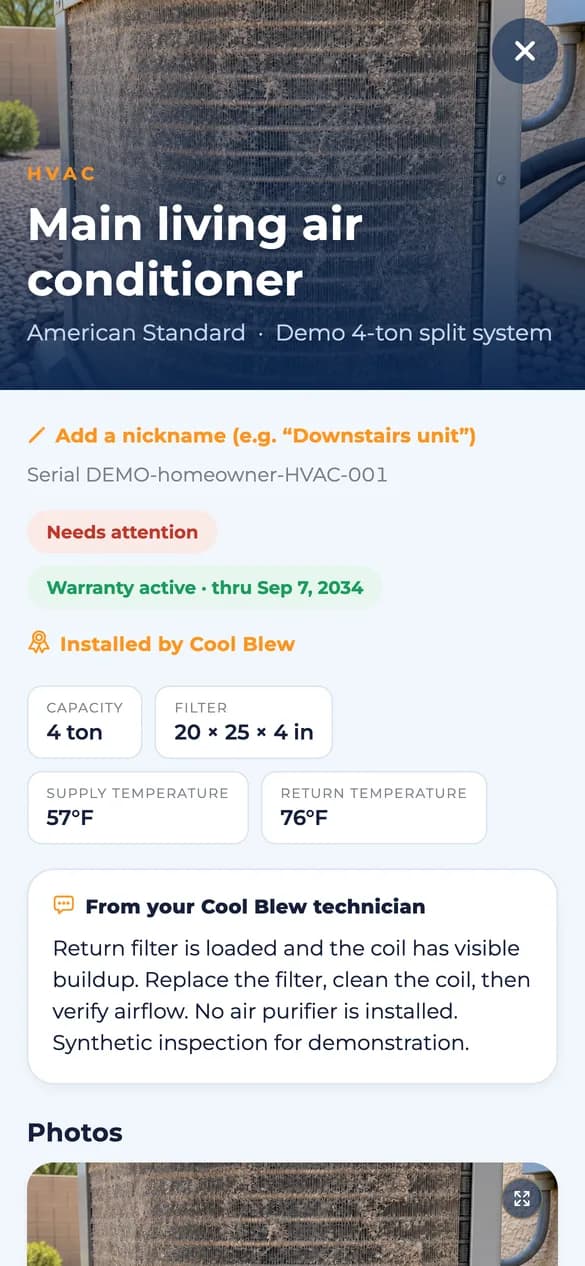
Every system on file
Make, model, serial, warranty and what the technician wrote on the visit.
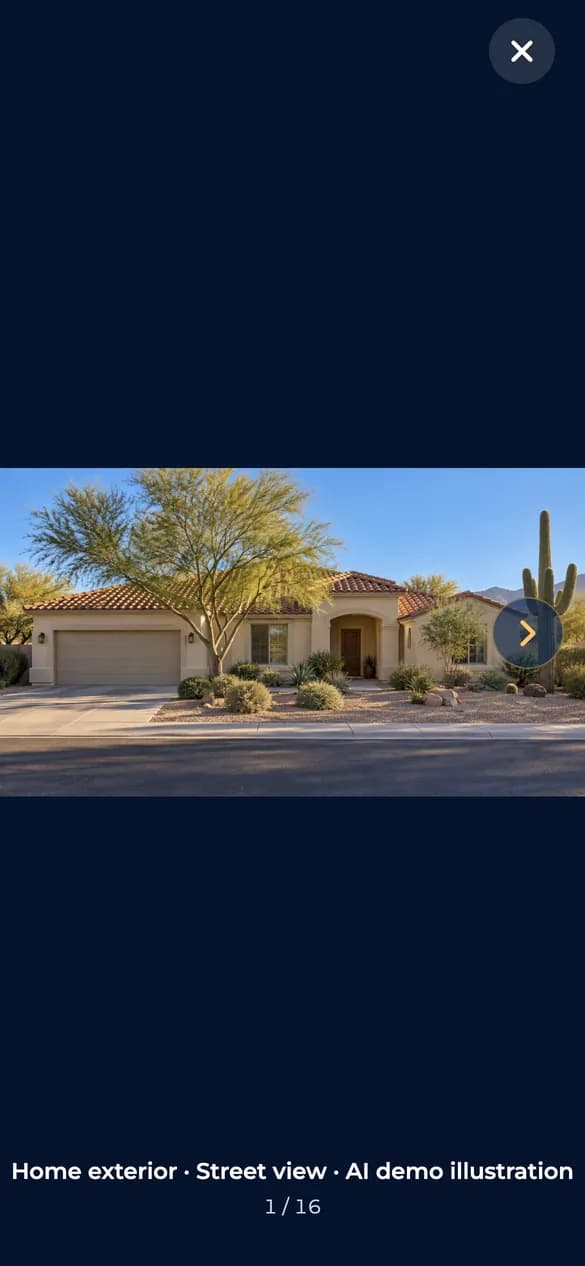
The photographs from the visit
What the crew saw at your home, kept with the record of the work.
Signing in
No password to remember
Type the email address Cool Blew, Inc. already has for you. We send a sign-in link that works once and expires after fifteen minutes; tapping it opens the app, signed in. If you would rather have a password, you can set one from your profile afterwards.
If the email address you use with Cool Blew, Inc. has changed, call the office before you try; the app can only recognize an address that is on your account.
3 steps
Refer your neighbors. Earn rewards.
Share your personal link with neighbors and friends.
They book their first Cool Blew service.
You earn a reward when their visit is complete.
Your data
What the app does not do
No tracking, no ads
There is no analytics, advertising, attribution or crash-reporting SDK in the app. It loads your data from Cool Blew, Inc.’s own service. Booking happens inside the app. The other pages it opens are the payment and document pages, a lender’s financing application reached from one of those documents, and a video player where a recommendation or a proposal carries a video.
No card details
Paying an invoice opens Cool Blew, Inc.’s own secure checkout. Card numbers are never typed into the app and never reach it.
Your service information
The app uses your information to show your homes, service records and billing. Our privacy policy explains who receives it, your deletion choices and the service records we need to retain.
Ready when you are
Get Cool Blew 360
Free for Cool Blew, Inc. customers. If your home is not on file yet, book a Cool Blew 360 and the crew captures your equipment, warranties and photos on the visit.